Platform
Our waste management software
Features
Our web software
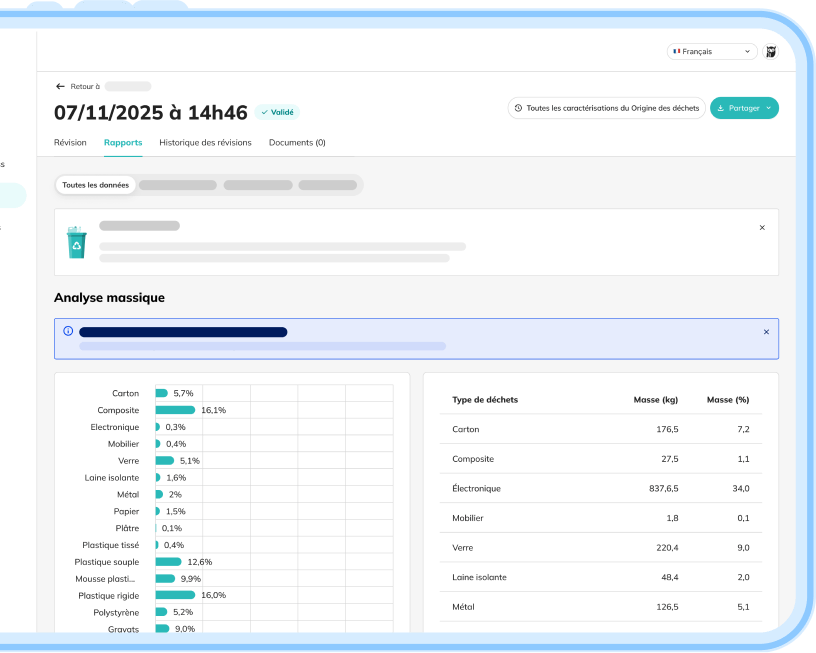
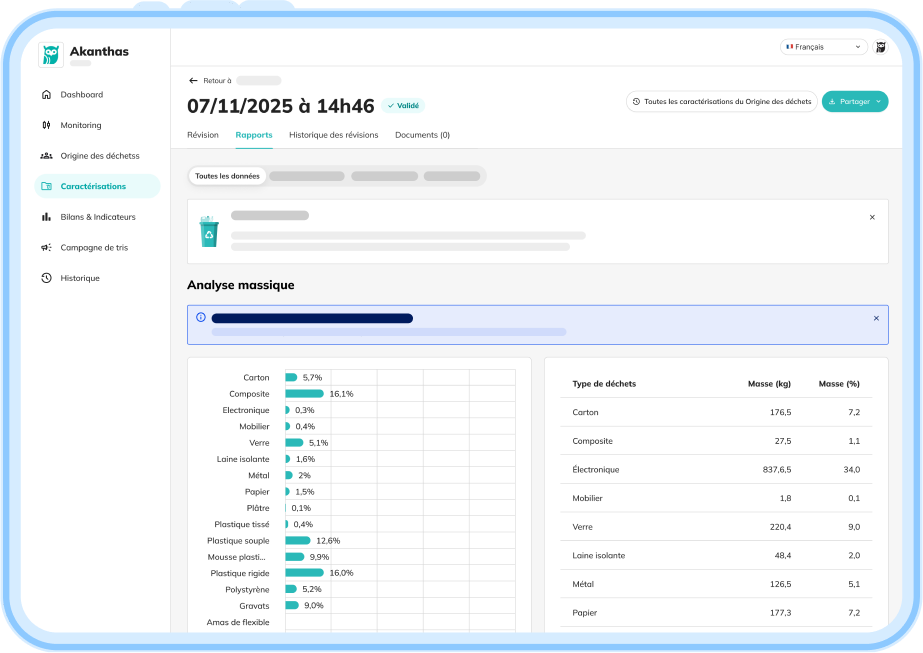
Automated waste characterization
Visualize the analysis of your containers and drops, sorting quality, and the percentage of recoverable materials.
Access visual proof, export the characterization report, and generate — in one click — the compliance report for the relevant regulation (Decree 1199, AGEC law, household waste (OMR) accreditation, EPR channel, DREAL).
What you can do:
- View the types of waste detected and their breakdown.
- Check estimated volume, weight, object count, and waste stream families.
- Annotate or complete a characterization.
- Filter by stream, material, site, date, or container.
- Export a PDF or spreadsheet report ready to share.
Monitoring
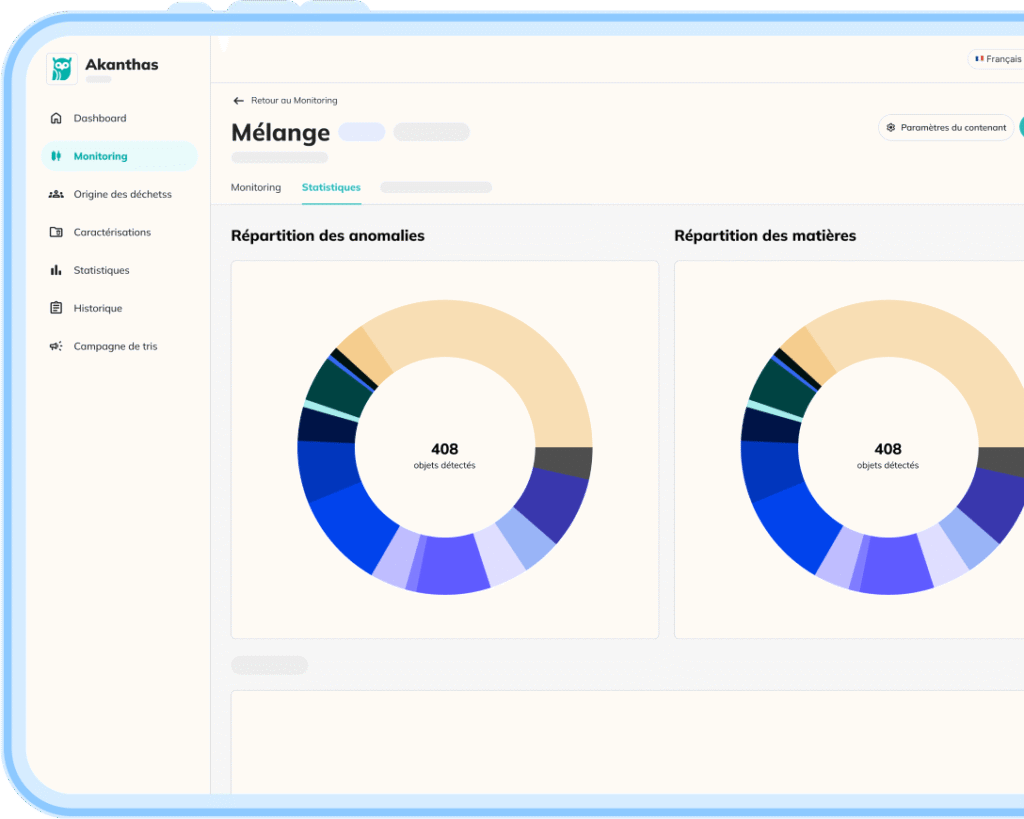
Track the status of your containers live (fill level, weight, sorting errors, fill forecast).
For each container, view its evolution over time and browse every snapshot. You can also schedule a collection based on forecasts to prevent overflows.
What you can do:
- View the fill rate in real time.
- Browse timestamped photos of every container.
- Identify sorting errors and overflows.
- Trigger a collection manually or automatically.
- Request compaction.
- Access full container details.
History
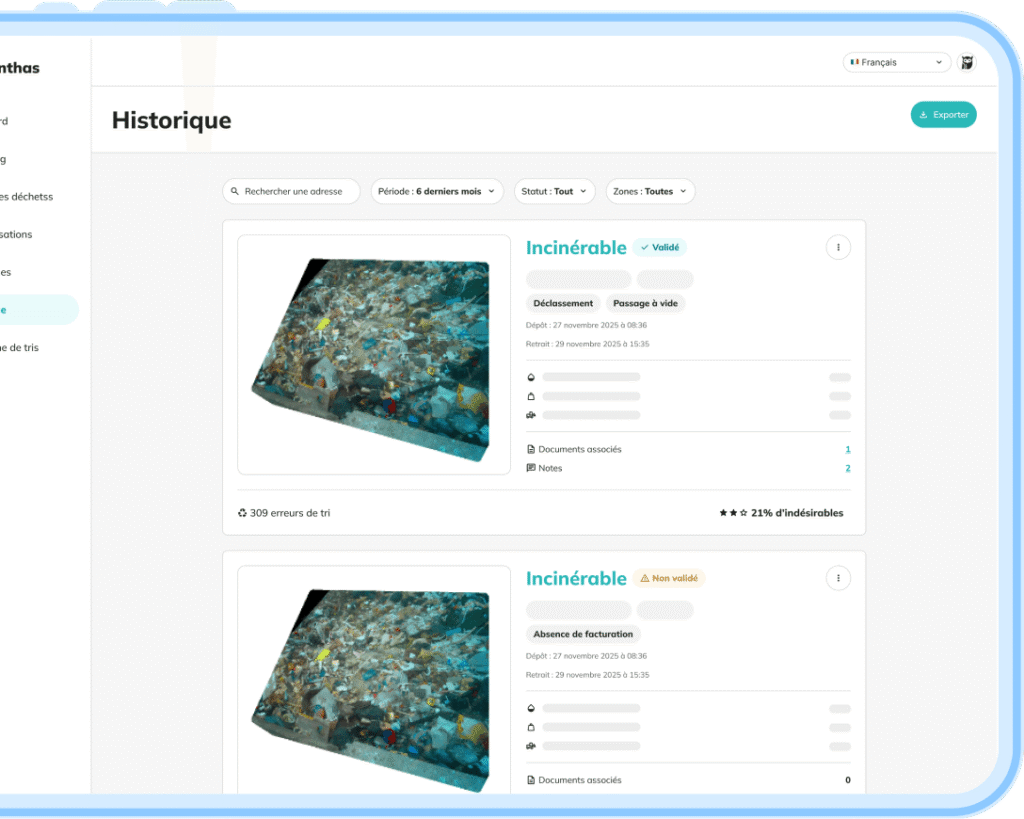
Easily find past events to verify a collection, document a dispute, or justify a refund request. All data is archived and exportable.
What you can do:
- Search containers collected over a specific period.
- View pre-collection photos and detected anomalies.
- Attach or access linked files (e.g., weighing tickets).
- Export a compliance report as PDF.
- Email a report directly to a service provider.
- Explore the full detail of a past container (photos, dates, events).
Reports and KPIs
On this interface, you get the key indicators to understand your performance, steer your actions, and feed your environmental reports.
What you can do:
- Track sorting error rates and fill rates at collection.
- Monitor rotation frequency by site.
- Analyze volumes and material counts.
- Compare multiple periods, sites, or streams.
- Export reports for your internal and external reporting.
- Visualize key indicators through tables and charts.
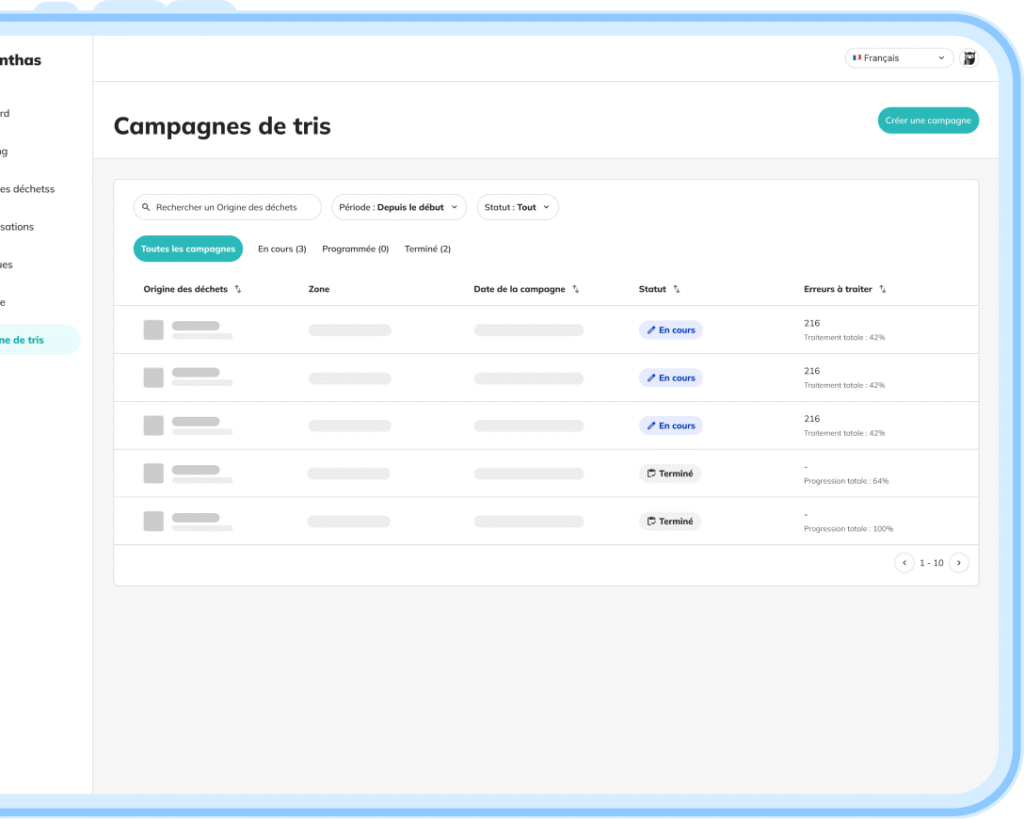
Sorting campaigns
Based on your site priorities, create a sorting campaign to track one or more specific waste types (e.g., hazardous waste, untreated wood, cardboard) over a set period.
This lets you isolate a stream and measure its performance precisely.
What you can do:
- Create a campaign dedicated to a specific stream.
- Track anomalies, drops, and related events.
- View only the data tied to this campaign.
- Track anomalies, drops, and related events.
- Export results for internal analysis or one-off obligations.
- Compare performance across sites, streams, and periods.
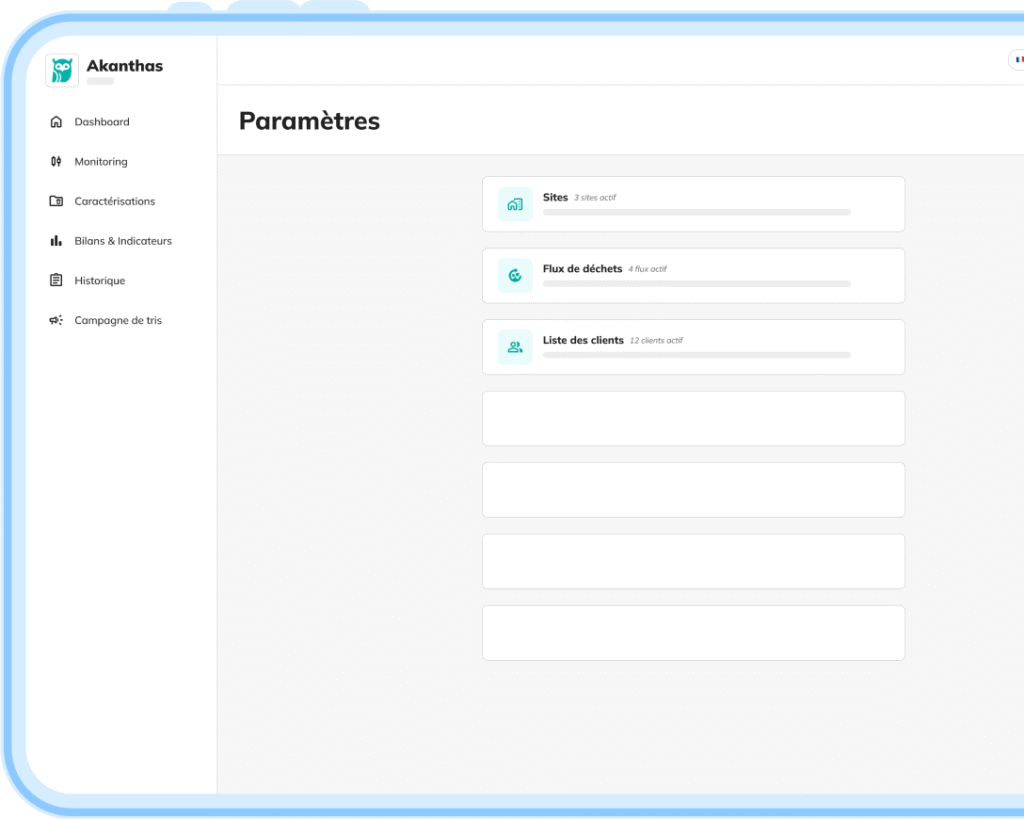
Settings
Adapt the tool to your organization, your sites, your recycling channels, and your constraints. Each site runs on your own internal rules — no forced configuration.
What you can do:
- Manage user access and permissions.
- Configure sites, zones, containers, and sensors.
- Define material streams and their local destinations.
- Set alerts, thresholds, reading frequencies, and internal rules.
- Pair triggers (button, laser barrier, light signal).
- Adjust contracts, channels, and provider-related parameters.
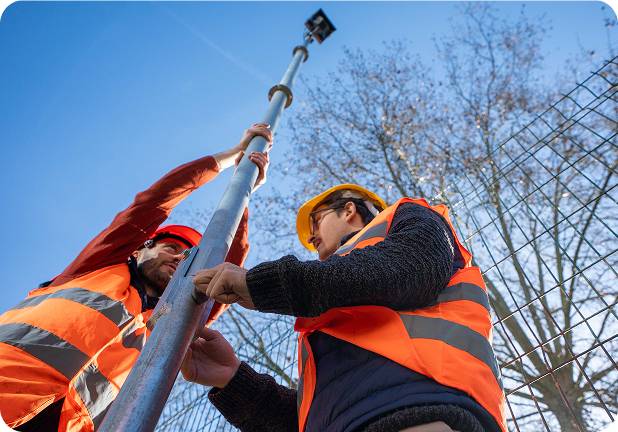
Sensors adapted to the realities of the field
Mobile monitoring
Keep an eye on your containers wherever you are. The app lets you track container status, location, and fill level — so you can act fast.
What you can do:
- Check each container’s fill rate in real time.
- See the predicted fill time.
- Schedule a collection in a single click.
- View detected anomalies.
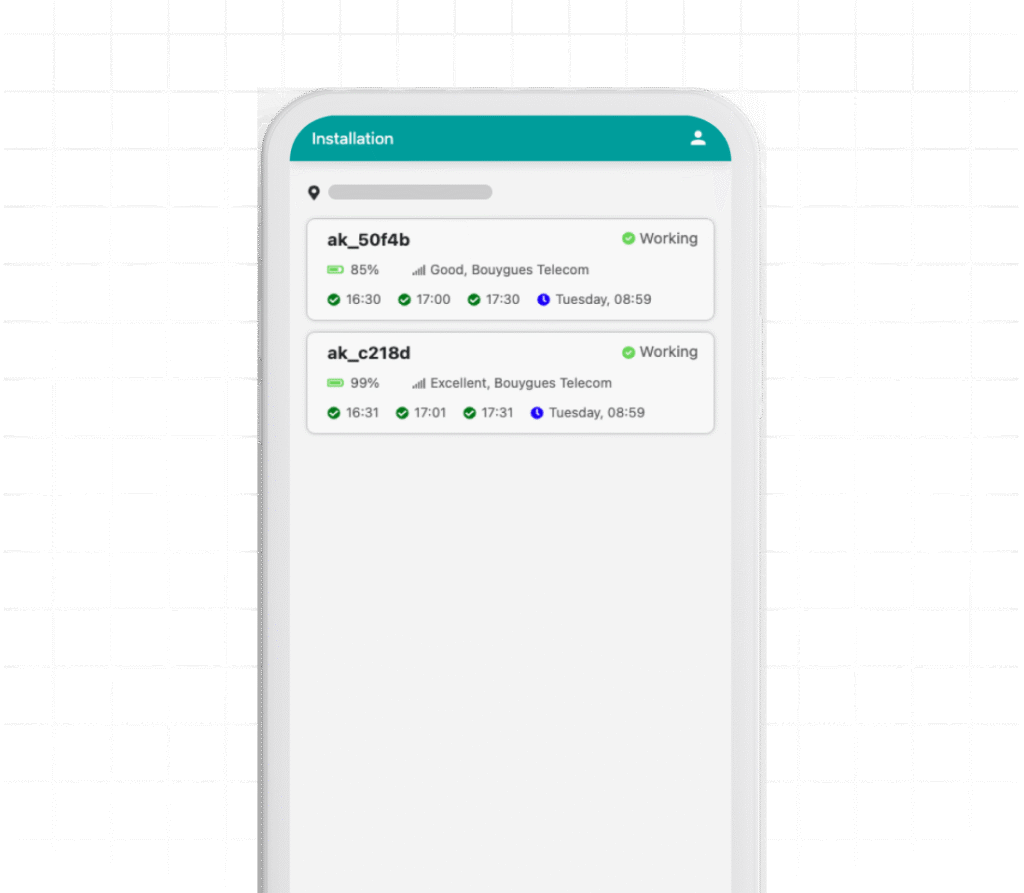
Installation
Control your fleet’s status straight from your phone — to easily check sensor health during installations or field rounds.
What you can do:
- Check overall sensor status (active, inactive, offline).
- Monitor battery level.
- Check network quality.
- Identify sensors that need intervention.
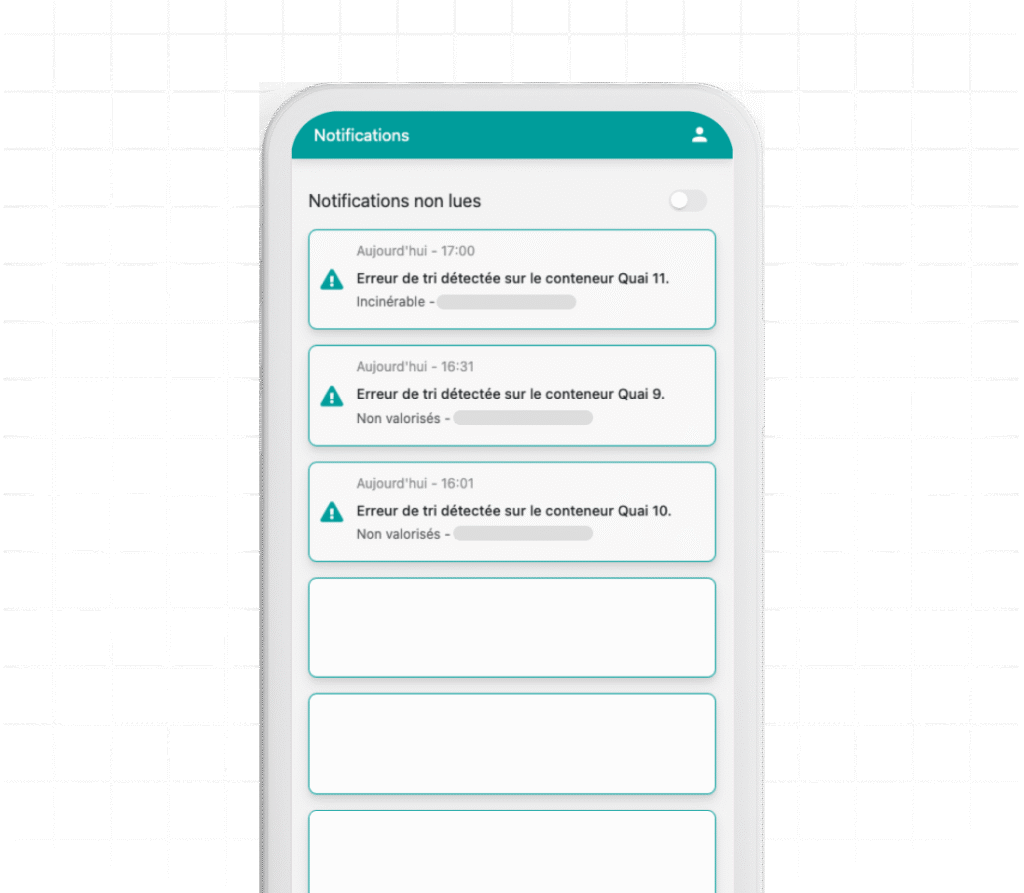
Notifications
Get notified the moment a sorting error, overflow, or high fill level is detected. Correct anomalies fast and optimize container rotations.
What you can do:
- Review alerts.
- View sorting errors detected per container.
- Get notified when compaction or collection is needed.
- Access the relevant container in one click to see the situation.
Instant characterization
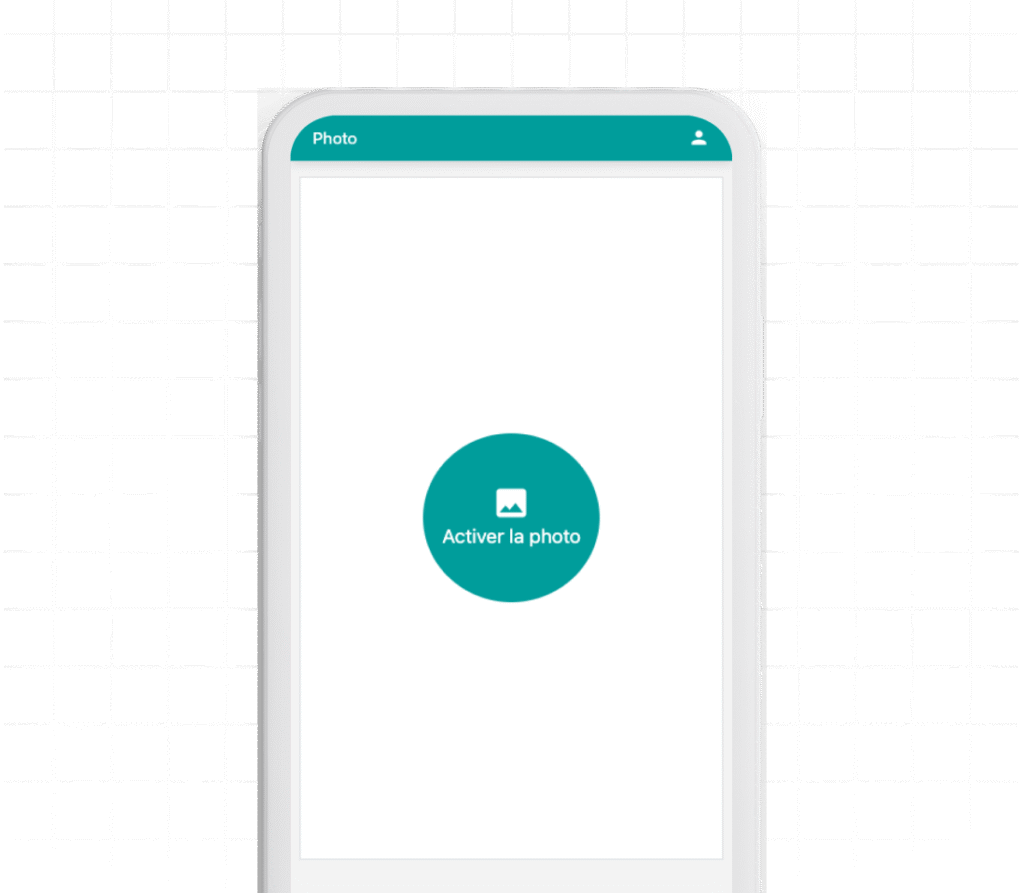
Take a photo straight from the app for instant analysis of a drop or collection point.
What you can do:
- Take a photo from the app.
- Run an automated characterization on the captured image.
- Quickly identify materials present at a given point.
- Detect sorting errors or forbidden materials in a specific area.
- Add a one-off photo reading to your tracking history.
Our platform's strengths
Compatibility
Access the web platform from any browser.
Integration
Our team can support you in integrating Akanthas into your management tools via our API.
Security
All your data is stored on secure servers, with regular backups.
Customization
Tailor the interface to your priorities and each user's needs.
Support
Our technical support is available 7/7 and replies within 24 hours.
Modularity
Subscribe to the modules your company needs — don't pay for features you won't use.
Installation
How does deployment work?
1
Installation and setup
2
Training your teams
3
Data verification
FAQ
Have a question?
How can simple alerts help us improve sorting?
An alert lets you catch an error at the right moment, correct it immediately, and hold your teams accountable before bad practices settle in. Across our clients, we see rapid improvement as soon as incorrect sorting is flagged and acted on.
The alert is only a first step: what matters is how you use it.
We offer a tailored rollout for each site to turn these alerts into a true sorting management tool.
What happens if a sorting error is detected when the operator isn't on site?
As soon as a sorting error is flagged by the AI, the information is pushed instantly to both interfaces:
- a push notification on the mobile app,
- an alert on the web dashboard.
The operator can then review the error through an annotated photo, even if they weren’t near the container.
They can act as soon as they reach the site, or pass the information directly to a colleague.
Flagged anomalies stay visible until they’re handled — preventing missed actions and oversights.
Can the platform be connected to my management tools?
Yes. Akanthas offers a full API to integrate your data into your internal tools.
Our team supports you through the integration to ensure:
- automatic data flow,
- analysis synchronization,
- delivery of reports and KPIs into your existing dashboards.
You can centralize all your waste data in your usual tools — no change to your organization required.
Does the mobile app offer the same features as the web platform?
The web platform and the mobile app are complementary — they don’t serve the same purpose.
The web platform focuses on advanced features: detailed flow analysis, report browsing, data export, site configuration, multi-site tracking, administrative management, and alert settings.
The mobile app is built for the field:
- receive notifications instantly (sorting errors, full containers, compaction needed),
- view anomalies with visual proof,
- trigger a collection in one click,
- check sensor status (battery, network, availability),
- take a photo for quick characterization.
You get essential information everywhere — while keeping advanced tools and full analysis on the web platform.
Blog
Resources and news
Have a question about our solutions?
Book a meeting directly with one of our advisors or write to us.
Our team gets back to you within 48 hours.